A guided first sale
Picture tutorials and a walkthrough that teaches new staff their first sale on a practice order, so nothing real is rung up.

Point of sale for shops and restaurants
nextgenretail is a ready-to-use point of sale with inventory, invoicing and accounting built in. Open it in the browser on the devices you already have, and start selling today.
The demo is a working store of your own for a few hours. All it needs is your email.
One system from the first sale of the day to the end-of-month report, set up for the way you trade.
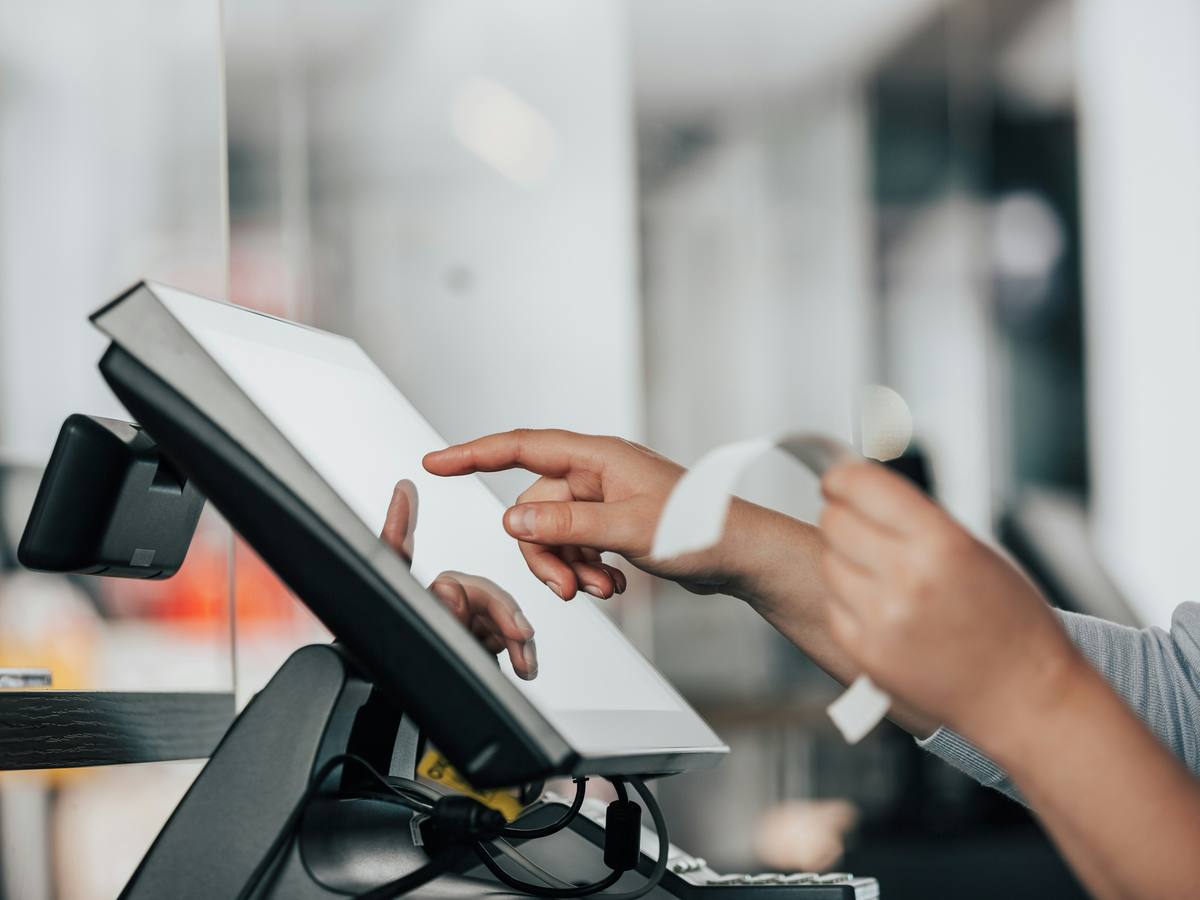
Ring up a sale in a few taps, or without touching the mouse at all, and hand over a printed receipt.
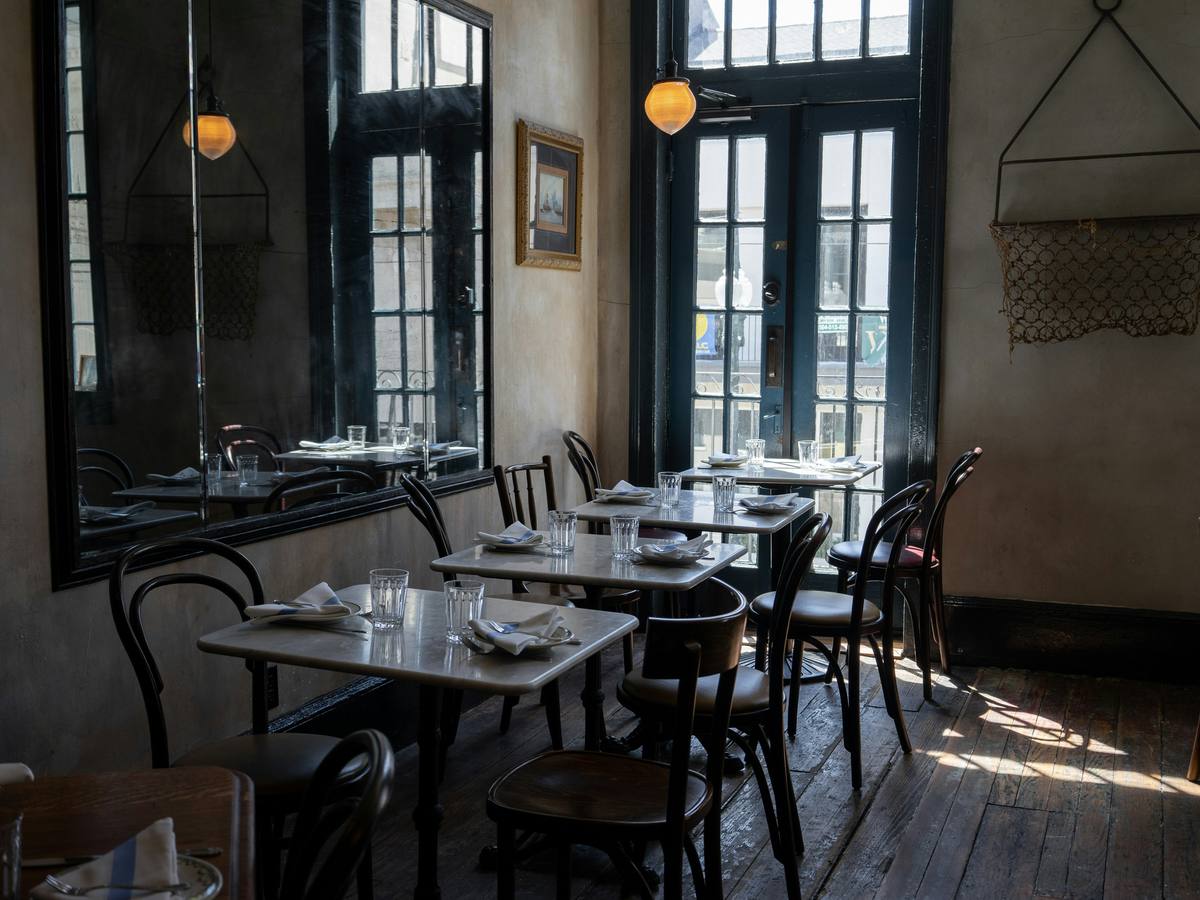
Lay out your floors and tables once. Every order stays on its table until the bill is settled.
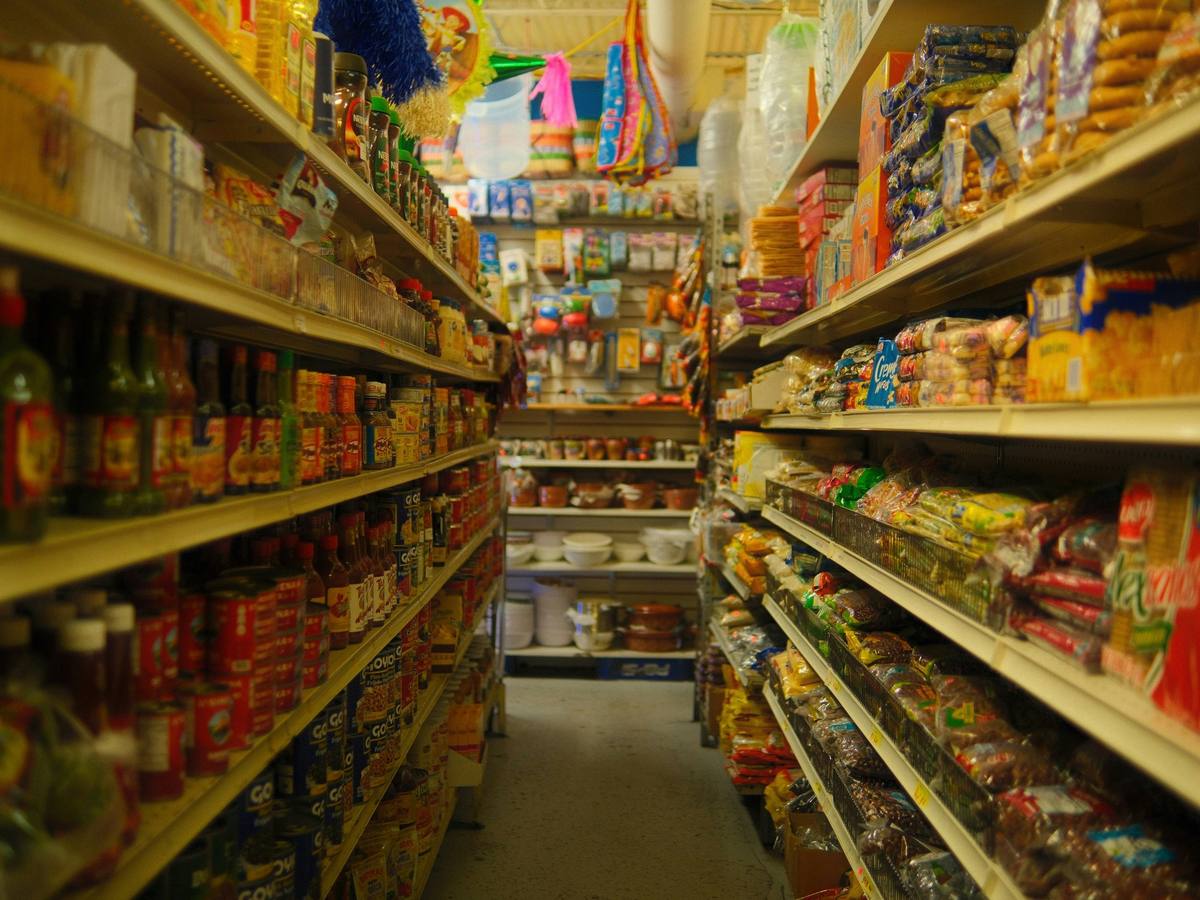
Stock moves with every sale, so the count you see is the count you have.

Every sale lands in your accounts on its own, so the month-end is a report, not a project.

Your customers see your name, your logo and your colours, from the screen to the receipt.
Built-in lessons for new staff, and shortcuts for the ones who already know their way around.
Picture tutorials and a walkthrough that teaches new staff their first sale on a practice order, so nothing real is rung up.
Every step of a sale has a key, from finding the product to taking the payment.
A computer, a laptop or a tablet with a modern browser is all a register needs.
One system that adapts to how you sell, whether customers queue at a counter or sit at a table.
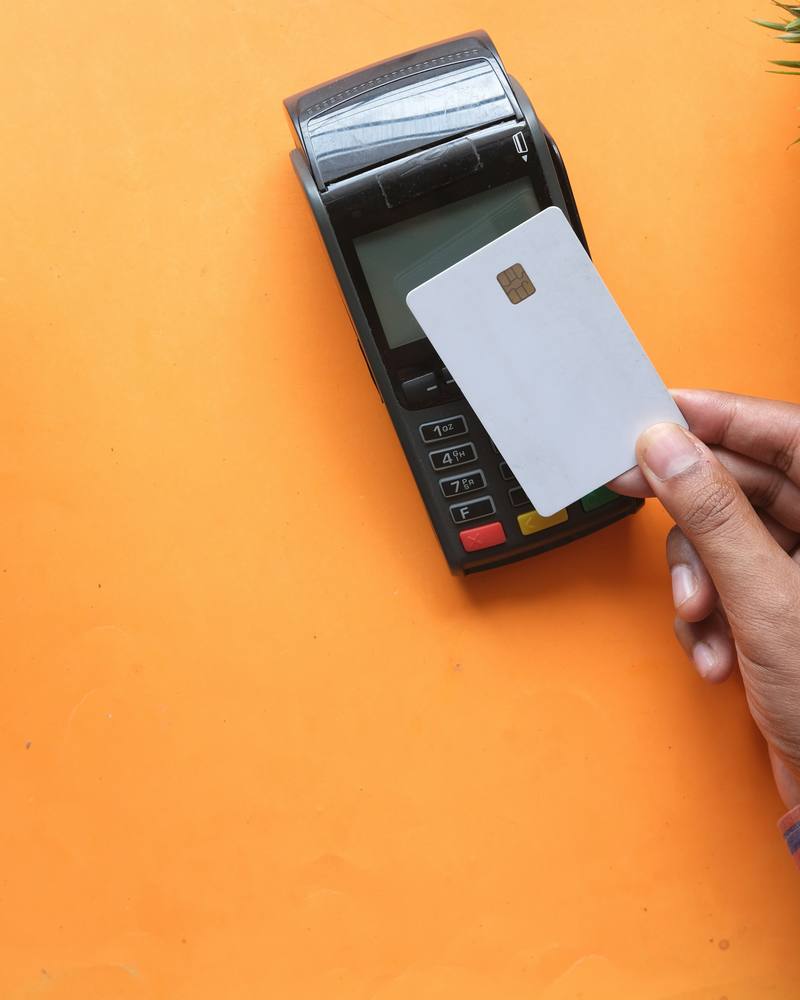
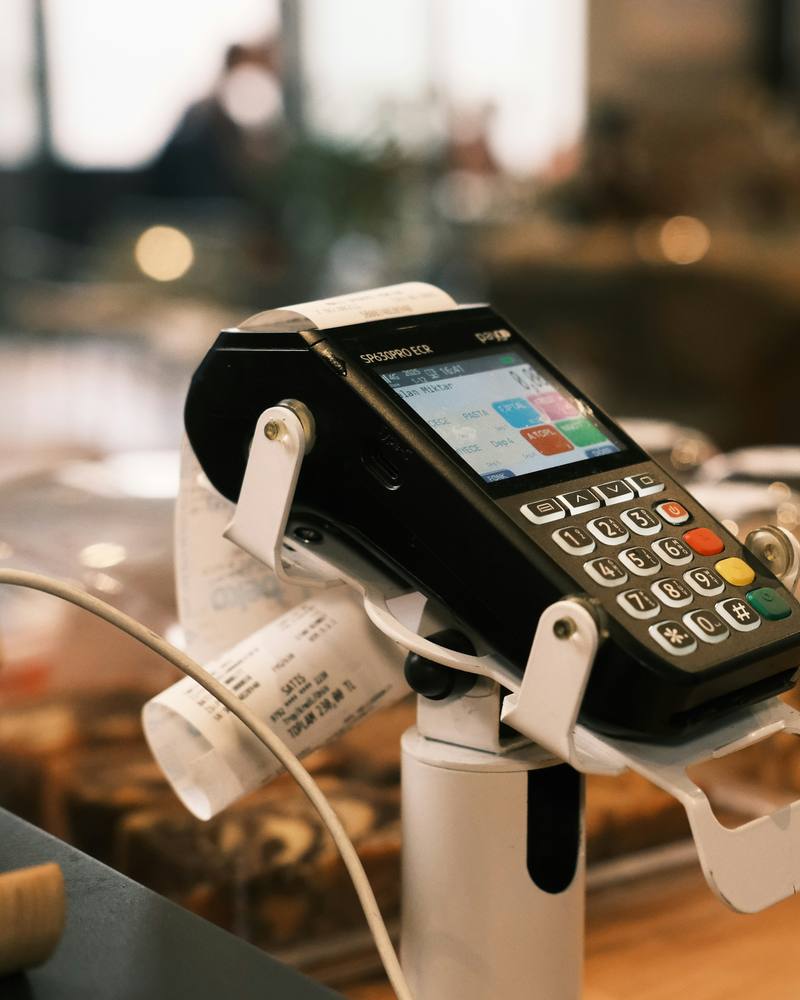

No installation and no hardware to buy up front.
Enter your email and get a working store of your own to explore for a few hours.
Pick the one that fits your business, then verify your email and pay online.
Your store is set up on its own address, ready for your products and your staff.
About three hours. Enter your email, confirm it from the link we send, and your login arrives by email. The demo comes with sample products, customers and a couple of weeks of sales to explore. When the time is up, the demo store and everything in it is deleted.
No. The demo is for looking around. When you subscribe, your own store is created fresh, ready for your products and your staff.
A computer, a laptop or a tablet with a modern browser and an internet connection. There is nothing to install.
The register keeps taking cash sales for a while, shows that it is offline, and sends those sales through as soon as the connection is back. Card payments need a connection.
Yes. Choose a shop or a restaurant when you subscribe, at no extra cost. A restaurant gets floors and tables, with dine in, takeaway and delivery orders.
Online by card, through Safepay's secure checkout. If you would rather pay by bank transfer, contact us and we will mark it paid for you.
No. Each payment covers a fixed period, and we email you three days before it ends, and again the day before, so you can pay for the next one. Nothing is charged without you.
Signing in is paused, but your store and its data are kept. Pay again and you pick up exactly where you left off.
That depends on your Subscription Tier. Each staff member gets their own login, and can stay signed in on more than one device.
Every store has a Support menu. Raise an issue there, attach a screenshot, and follow our replies in the same conversation.
Open a demo store, ring up a sale, and decide for yourself.